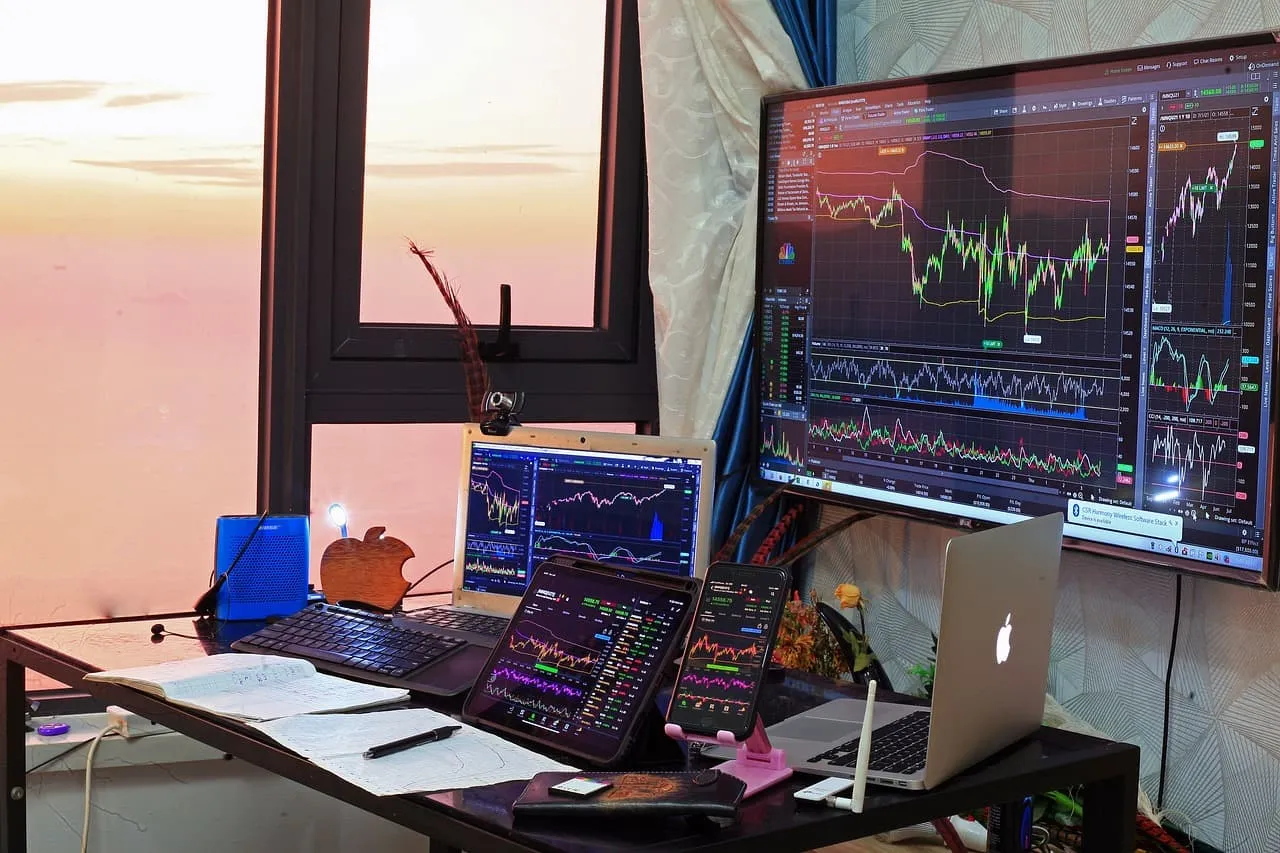
If you’re an investor using macOS, finding the best stock trading platform for Mac is essential for a smooth, powerful, and seamless trading experience. Many desktop trading apps are designed primarily for Windows users, leaving Mac users with limited or poorly optimized alternatives. However, in 2025, several top-tier platforms offer robust support for Mac users, whether through dedicated macOS apps, browser-based trading terminals, or mobile apps that sync flawlessly with your Apple ecosystem.
This guide covers the top stock trading platforms compatible with Mac, highlighting features, performance, fees, and which traders each platform is best suited for. Whether you’re a beginner investor or an experienced day trader, you’ll find the right tool for your trading strategy.
Key Factors to Consider in a Mac-Compatible Trading Platform
Before diving into the top platforms, here are the essential features to evaluate when choosing a trading platform for your Mac:
- ✅ Native macOS Compatibility or high-performance web apps
- ✅ Real-time data feeds and fast execution
- ✅ Advanced charting and technical analysis tools
- ✅ Low or zero commissions
- ✅ Cross-device syncing with iPhone, iPad, and Mac
- ✅ Secure and stable performance on Safari and Chrome browsers
Top 7 Best Stock Trading Platforms for Mac in 2025
1. TradingView
Best for Technical Analysis and Charting
TradingView is not only one of the most popular platforms for charting — it’s also 100% web-based, making it perfect for Mac users.
Key Features:
- Advanced charting with over 100 indicators
- Backtesting tools and custom scripting with Pine Script
- Real-time market data from global exchanges
- Seamless experience on Safari and Chrome
- Mobile app syncs perfectly with Mac version
Pros:
- No downloads required
- Excellent community support and trading ideas
- Works flawlessly on any macOS device
Cons:
- Requires a broker integration for order execution
- Free plan has limited features
Best for: Swing traders, technical analysts, and those who want deep charting tools on Mac.
2. Interactive Brokers (IBKR)
Best for Professional Traders and Global Access
Interactive Brokers offers a professional-grade trading experience with a native macOS-compatible Trader Workstation (TWS) and a powerful web interface.
Key Features:
- Trade stocks, ETFs, options, futures, and forex
- TWS is downloadable and optimized for Mac
- Real-time data and Level II quotes
- Algo trading, smart routing, and custom strategies
- macOS app and WebTrader available
Pros:
- Institutional-grade tools
- Competitive commissions (as low as $0)
- Access to 150+ markets in 33 countries
Cons:
- Steeper learning curve for beginners
- Interface may be overwhelming for casual investors
Best for: Advanced traders, international investors, and Mac users who want pro-level tools.
3. TD Ameritrade (Thinkorswim)
Best for Active Traders Using macOS
Thinkorswim by TD Ameritrade is one of the most powerful trading platforms in the U.S., and it runs natively on Mac.
Key Features:
- Advanced charting and scripting tools
- Paper trading (demo account)
- Real-time scanners and watchlists
- Custom strategy testing and risk tools
- Cross-platform syncing with iPhone and iPad
Pros:
- No commissions on U.S. stocks and ETFs
- Excellent educational resources
- High-speed execution
Cons:
- U.S.-only for new accounts (after Schwab acquisition)
- TOS can be resource-heavy
Best for: U.S.-based Mac users who trade frequently and want institutional-grade features.
4. Fidelity Active Trader Pro
Best for Long-Term Investors and Research-Driven Traders
Fidelity offers the Active Trader Pro platform, which runs smoothly on Mac and provides robust tools for managing investments.
Key Features:
- Real-time analytics and watchlists
- Advanced order types (OCO, trailing stops)
- Extensive research from Morningstar, Lipper, and more
- Free trades on stocks and ETFs
- macOS-compatible desktop app
Pros:
- Backed by one of the most trusted names in investing
- Integrated with retirement and managed accounts
- Low fees and excellent customer support
Cons:
- Not as customizable as TOS or IBKR
- Less suitable for day traders
Best for: Retirement savers, long-term investors, and research-focused Mac users.
5. Webull
Best for Zero-Commission Trading with Clean Mac UI
Webull is a commission-free trading platform with a sleek, user-friendly desktop app for Mac, plus a full-featured browser version.
Key Features:
- Commission-free stock, ETF, and options trading
- Real-time market data and customizable charts
- Paper trading and simulated trading contests
- Desktop app available for macOS
- Pre-market and after-hours trading
Pros:
- No account minimums
- Supports crypto trading as well
- Intuitive interface and easy to learn
Cons:
- Limited access to research reports
- No mutual fund trading
Best for: Beginners and intermediate traders who want an affordable, modern Mac-friendly platform.
6. eToro
Best for Social and Copy Trading on Mac
eToro’s browser-based platform offers a clean, responsive experience for Mac users and allows for social trading, where you can follow and copy the trades of top investors.
Key Features:
- Commission-free stock trading
- Buy crypto, ETFs, and indices
- Copy trading and investor portfolios
- Fully accessible via Safari and Chrome on macOS
- Mobile and desktop sync
Pros:
- Easy to use for beginners
- No desktop installation needed
- Unique social features
Cons:
- Limited charting compared to TradingView
- Fewer advanced tools for pro traders
Best for: New traders on Mac looking for community-based investing or passive strategies.
7. Robinhood
Best for Simplicity and Mobile-First Trading
Robinhood is a well-known app offering commission-free trading, and while it doesn’t have a dedicated macOS desktop app, its web interface works perfectly on Mac.
Key Features:
- $0 commission on stocks, options, and crypto
- Instant deposits and fractional shares
- Clean, minimalist browser interface
- Mobile-first design that works well on macOS
Pros:
- No fees
- Great for learning the basics
- Streamlined design for casual investors
Cons:
- Limited research and analysis tools
- No support for mutual funds or retirement accounts
Best for: Beginner Mac users who want to start trading with ease.
Comparison Table: Best Stock Trading Platforms for Mac
| Platform | Best For | macOS Support | Commissions | Advanced Tools | Mobile Sync |
|---|---|---|---|---|---|
| TradingView | Technical analysis | Browser-based | Broker-dependent | Yes | ✅ |
| Interactive Brokers | Professionals & global access | Desktop + browser | From $0 | ✅✅✅ | ✅ |
| Thinkorswim (TDA) | Active U.S. traders | Native macOS app | $0 | ✅✅✅ | ✅ |
| Fidelity ATP | Long-term investors | Native macOS app | $0 | ✅✅ | ✅ |
| Webull | Beginners and day traders | Native macOS app | $0 | ✅✅ | ✅ |
| eToro | Social trading | Browser-based | $0 | ✅ | ✅ |
| Robinhood | Simplicity and ease of use | Browser-based | $0 | ❌ | ✅ |
How to Choose the Right Mac Trading Platform
To choose the best stock trading platform for Mac, consider the following:
- 🔹 Skill level: Are you a beginner or an advanced trader?
- 🔹 Investment strategy: Long-term investing or short-term trading?
- 🔹 Asset types: Do you trade stocks only or want access to options, crypto, and ETFs?
- 🔹 Charting and tools: Do you need technical indicators and customizable layouts?
- 🔹 Device integration: Do you use iPhone, iPad, and Apple Watch for trading alerts?
Final Verdict: Best Overall Platform for Mac in 2025
For most traders, Interactive Brokers offers the most complete experience on Mac — with powerful tools, low fees, and broad market access. However:
- Choose TradingView if you need advanced charts without installing software.
- Go with Webull or Robinhood for commission-free, simple trading on Mac.
- Use Thinkorswim if you’re a serious trader in the U.S. and want full macOS functionality.
There’s never been a better time to trade from your Mac. With the right platform, you can access markets around the world from the comfort of your Apple device — with performance that matches or exceeds any Windows setup.